
Mecpow MC5: 5MP Lightburn Camera
- Typ: Camera for Laser Engravers
- Modell: MC5
- Pixel: 5 MP
- Maximum Pixel: 2592(H)x1944(V)
- Betraktningsvinkel (horisontell): D=162°±3°, H=132°±3°, V=102°±3°
- Adjustment Height: 360 (Min), 500 (Max)
Jämför priser (1 butik)
- 785,61 krSe erbjudandet
GeekbuyingLager: EuropaBästa pris
I lager · kontrollerat för 12 tim sedan
Vi kan få provision när du köper via länkar på den här sidan — utan extra kostnad för dig. Läs mer
Om produkten
Mecpow MC5 - Improved efficiency for your laser projects
The Mecpow MC5 is a 5MP camera specifically designed to improve efficiency and accuracy in laser projects. With the camera's compatibility with Lightburn software, engravers can easily integrate it into their existing setups. The compact size and lightweight design of the camera make it simple to install and use. By eliminating the need for manual positioning, the Mecpow MC5 streamlines the engraving process and provides high-quality imaging capabilities for enhanced results in laser engraving projects.
Here's how it works:
Installing Your Camera
- 1. Mount the camera with the included accessories and tools
- 2. Secure the cable
- 3. Connect to your laser: We ended up using a USB adapter to plug the camera into the laser's USB port on the back.
- 4. Calibrating Your Camera in LightBurn
Lens Calibration
Once your camera is installed, it's time to calibrate it in LightBurn. This process involves two main steps:
- 1. Go to Laser Tools > Lens Calibration.
- 2.Select your camera and lens style.
- 3. For best results, choose "Full Calibration.0.3
The on-screen instructions will prompt you to print out a piece of paper and move it around the bed as directed. This is to ensure that your camera is capturing adequately.
Camera Alignment
- 1. Go to Laser Tools > Camera Alignment.
- 2. Select your camera's mounting orientation.
- 3. Set your material thickness, fill speed, and line speed. This will be for your registration marks.
- 4. Run the alignment process, which will engrave registration marks on your material.
- 6. Use these marks to fine-tune your camera's alignment in the software
Maximizing Material Usage with Your Camera
One of the biggest advantages of using a camera with your laser engraver is the ability to maximize material usage. Here's how:
- 1. Load your material and update the camera overlay in LightBurn
- 2. Drag your design onto the overlay, positioning it precisely where you want it on the material
- 3. Use the camera view to identify unused areas of your material
- 4. Fill these areas with additional parts or designs to minimize waste
High-Definition Camera for Laser Engravers
The Mecpow MC5 camera is specially designed for laser engraving machines. With a high definition of 5 megapixels, it provides sharper visuals and captures clearer images.
Precise Positioning & Batch Engraving
Compatible with the LightBurn software, this 5MP camera spares you the hassle of manual positioning by visualizing the work area in LightBurn, allows for precise positioning of the engraved objects with a deviation of less than 1 mm, and simultaneously locates multiple workpieces, enabling easy and productive batch engraving.
Image Tracing
The MC5 camera is able to trace and capture the images onto the material to be engraved via LightBurn and creates engraved vector files that guide the laser engraving machine to engrave the images.
Video Recording
With the video recording function, the MC5 camera allows for easy monitoring of the engraving process and helps operators to record and share engraving memories and troubleshoot any issues that may occur during the process.
High Adaptability
This camera comes with T-shaped and U-shaped brackets to fit 95% of frame-type laser engravers on the market. With adjustable height and length, it features a maximum capture area of 600x600 mm.
Mecpow MC5 Camera
Capture every detail with precision for your laser engraving projects.
- Visual Preview
- Batch Engraving
- Precise Positioning
- Image Tracing
- Video Recording
- Wide Compatibility
Work Preview
No need to identify the position manually by visualizing the work area in LightBurn.
Batch Engraving
It can simultaneously locate multiple workpieces for easy and productive batch engraving.
Precise Positioning
The 5MP camera perfectly matches LightBurn and accurately positions engraved objects with less than 1mm deviation.
Image Tracing
Trace images on materials via LightBurn and create vector files for engraving or cutting.
Wide Compatibility
Compatible with 95% of frame-type laser engravers on the market.
Adjustable Height and Length
Maximum Capture Area: 600x600mm
Video Recording
Capture the moment with precision and engrave memories of your masterpieces!
Easy Installation
Two types of mounting brackets meet your multiple needs.
U-Shaped Mounting Bracket
T-Shaped Mounting Bracket
Specifikationer
Vikt och storlek
- ViktProduktens vikt utan förpackning (nettovikt). Om möjligt nettovikten är angett inklusive standardtillbehör och förråd.Obs, ibland anger tillverkaren en för kommersiell interpretation av produktvikten, där han lämnar ut vikten av tillbehör och/eller förråd.
- 0,5 kg
- Vikt inkl. förpackningVikt av den förpackade produkten i gram.
- 1 kg
- Folded Product Size (L x W x H)
- 400x100x42 mm
- Unfolded Product Size (L x W x H)
- 400x100x360 mm (Min), 580x100x500 mm (Max)
- Förpackningens breddEn lista med vilka tjänster och mjukvaror som följer med produkten
- 440 mm
- LåddjupFör att visa hur mycket som kan bli skrivit eller läst på tejpen
- 158 mm
- Förpackningens höjdTjockleken på tejpen är uttryckt i microner
- 82 mm
Allmänt
- Typ
- Camera for Laser Engravers
- Modell
- MC5
Specifikationer
- Pixel
- 5 MP
- Maximum Pixel
- 2592(H)x1944(V)
- Betraktningsvinkel (horisontell)
- D=162°±3°, H=132°±3°, V=102°±3°
- Adjustment Height
- 360 (Min), 500 (Max)
- Adjustment Length
- 400 (Min), 580 (Max)
- Maximum Capture Area
- 600x600 mm
- Minimibelysning
- 10 Lux
- Anslutning
- USB
- Operativsystem som stöds
- Windows, MacOS
- Programvara som stöds
- LightBurn
Förpackningens innehåll
- Förpackningens innehåll
- 1 x Camera with USB Cable and T-Shaped Mounting Bracket 1 x U-Shaped Mounting Bracket 5 x Wood Board (10x10 cm) 1 x Calibration Card 1 x Tape Measure 1 x User Manual 1 x Screwdriver 2 x M5*8 Screw 1 x M5*20 Screw 2 x T-Shaped Nut
Prishistorik (90 dagar, bästa dagspris)
Alternativa modeller
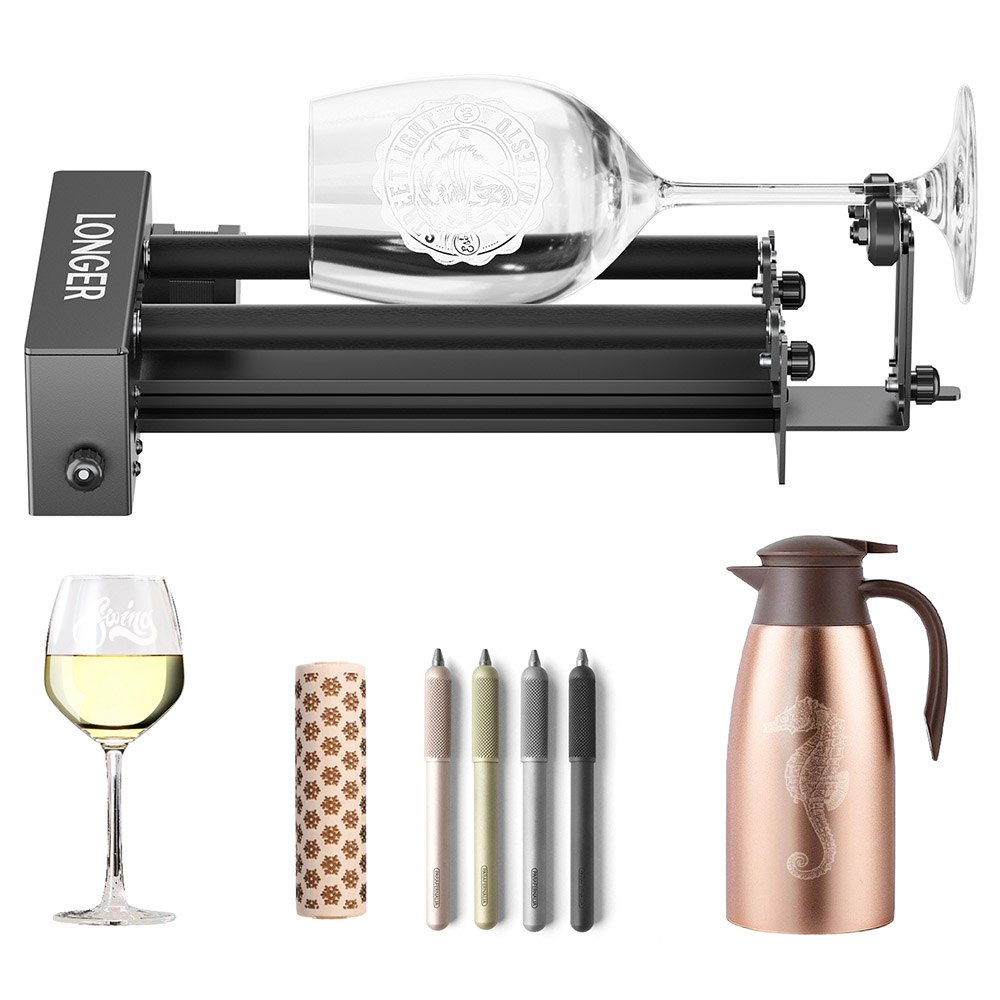
LONGER: Y-Axis Rotary Roller + Bracket
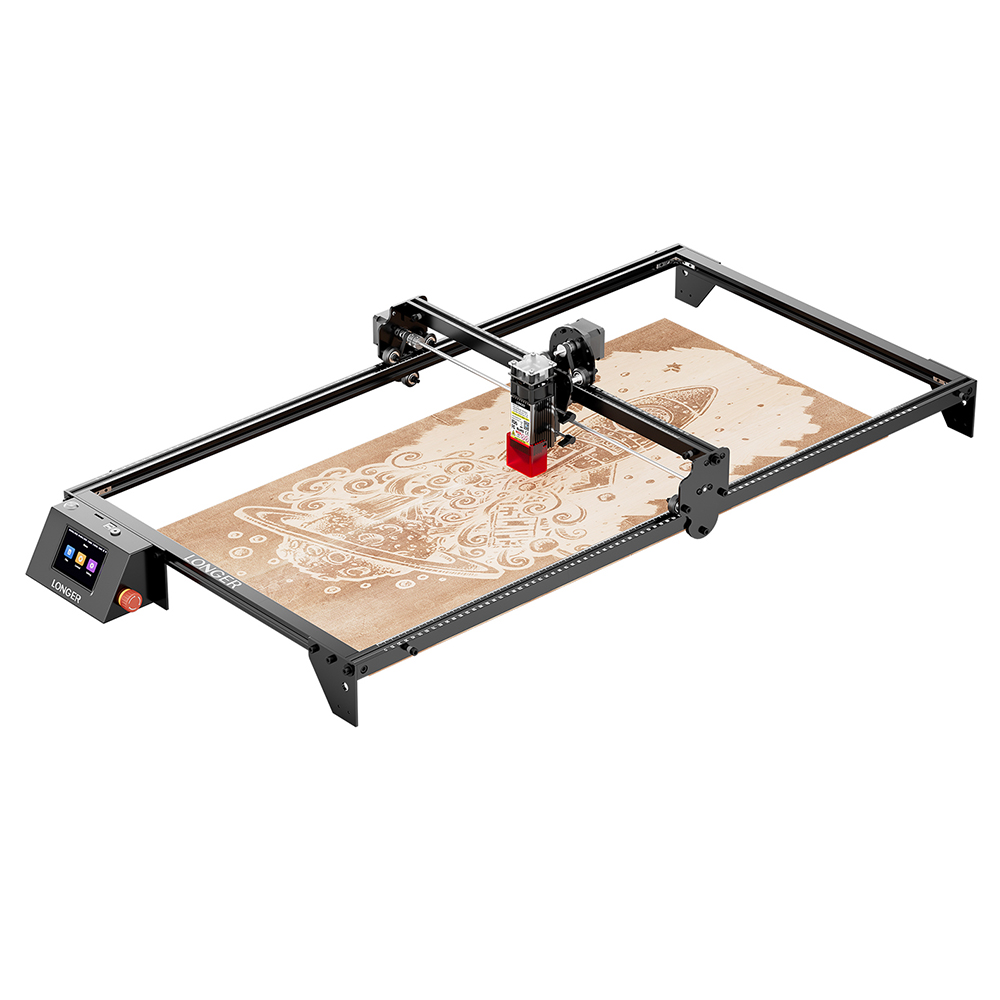
[New Version] LONGER RAY5 Laser Engraver Y-Axis Extension Kit
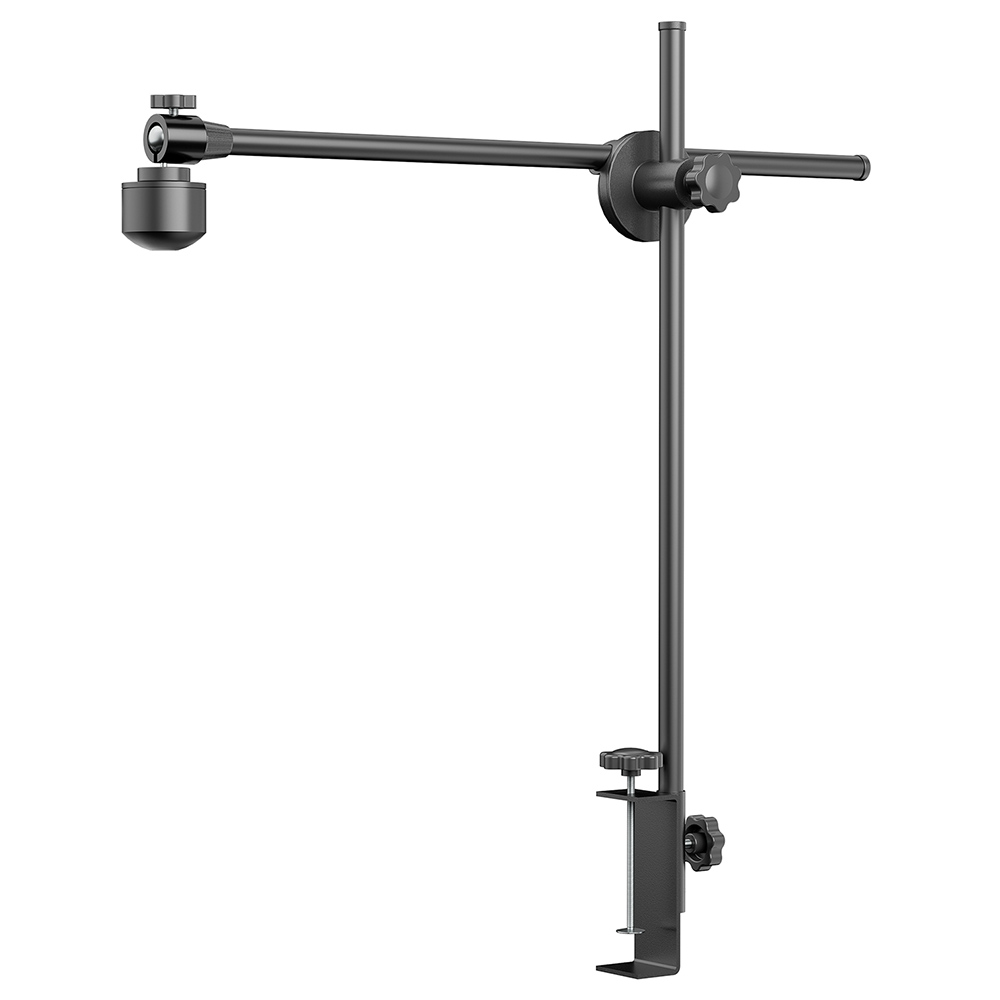
LONGER: LightBurn Camera
5MP, 740×560mm
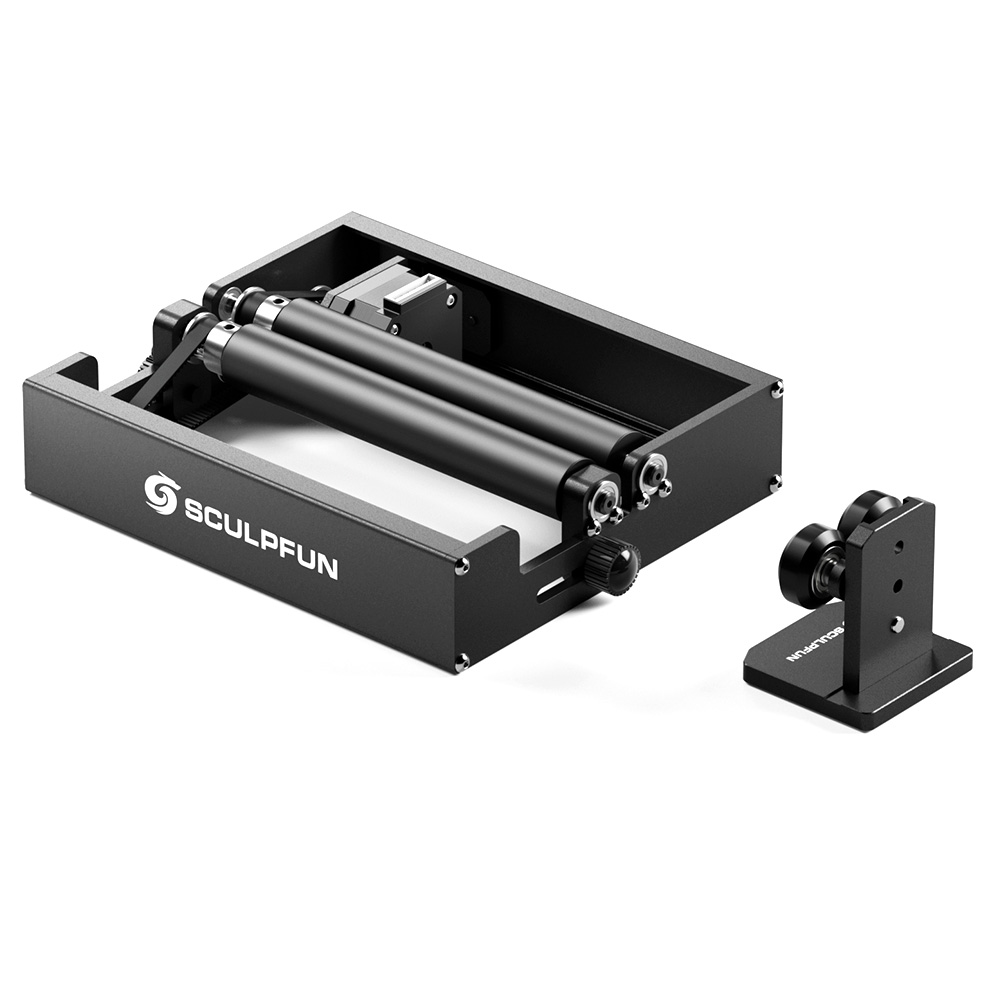
SCULPFUN RA Mini Rotary Roller for iCube Ultra / iCube Series / C1

SCULPFUN: Laser Rotary Roller Y-Axis 360°
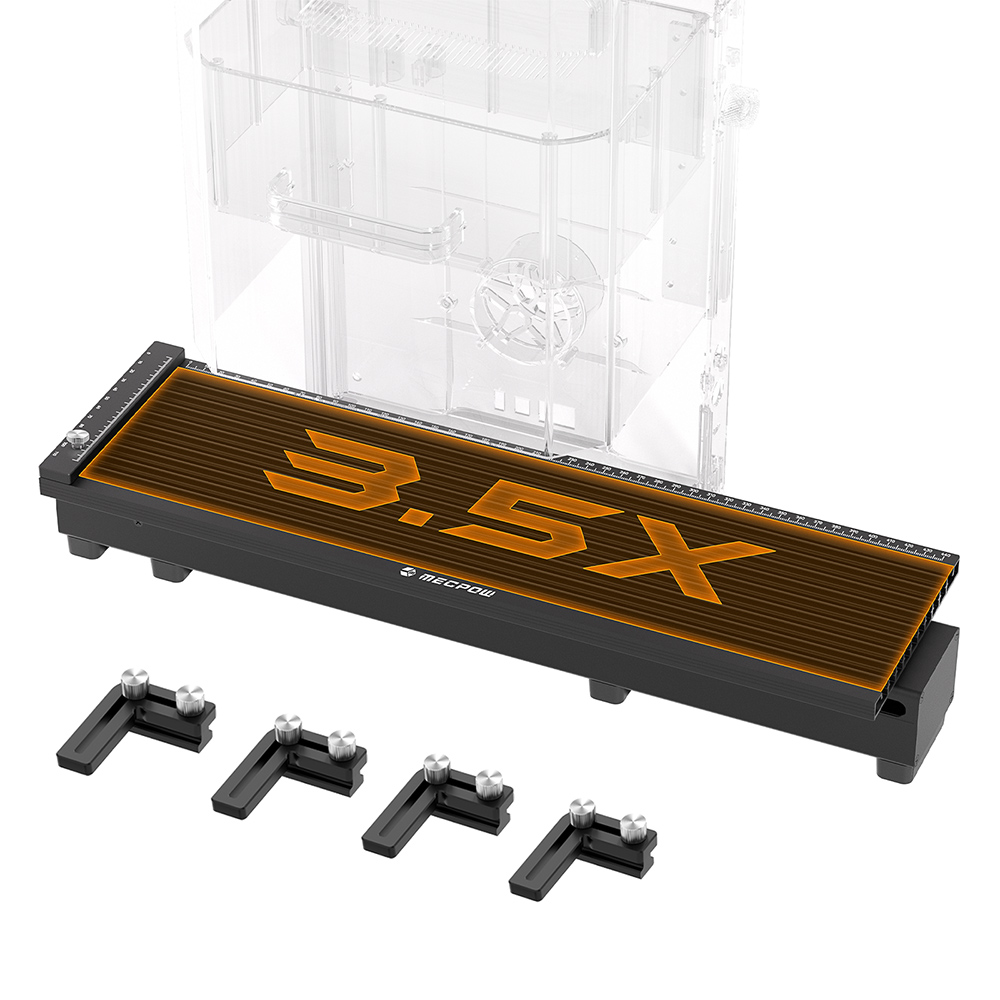
Mecpow G1 Slide Extension for X1 Engraver, 370 x
105 mm