
Chief TiLED dvLED Universal Installation Spacer Tool
- Kolor produktu: Stal szczotkowana
- Typ mocowania: Ściana
- Liczba dołączonych produktów: 1 szt.
- Typ produktu: Dystans montażowy
- Certyfikaty zgodności: TAA
- Kompatybilność: 27" dVLED Panels
Gdzie kupić
Nie śledzimy jeszcze cen tego produktu. Sprawdź aktualne ceny bezpośrednio w sklepach:
Możemy otrzymać prowizję, gdy kupujesz przez linki na tej stronie — bez dodatkowych kosztów dla Ciebie. Dowiedz się więcej
O produkcie
Video wall installers will love the time-saving ingenuity of the TiLED dvLED Installation Spacer Tool.
Because the TiLED Installation Spacer Tool holds the dimensions of whatever LED cabinet you're using, it reduces installation time by eliminating the number of times you need to measure on the wall.
The tool latches to the TiLED Universal mounting structure, and once you’ve mounted the first column to the wall, you simply copy-paste the saved measurements to lay out the rest of the mounting columns of the video wall.
Benefits:
Simplifies dvLED videowall installations by eliminating multiple measurement steps
Reduces overall installation time
Precisely measures lengths from button to button and edge to edge of the display box
Once measurements are locked in, installers can easily measure each column by simply “copying and pasting” the widths
How-To Steps:
1. The left clamp is latched onto the left upright mount.
2. The middle slider is set to width of the hole pattern of the LED cabinet. It is clamped onto the right-hand rail of the first column that you're measuring.
3. The right clamp is set to the measurement for the cabinet width and locks onto the next upright of your next column spacing.
4. Ideally an installer will have a pair of these measuring tools to hold the dimensions firm on the first mounting column -- one tool for the top of the column and the other for the bottom.
5. Once the mounting column is up on the wall, the installer attaches it to the wall with lag bolts, and levels out the column.
6. Now that all dimensions are set within the measuring tool, the installer simply “copies and pastes” the same measurements for the remaining columns of the video wall.
Dokumenty
- BroszuraProduct Brochure ↗
- InstrukcjaUser manual ↗
Specyfikacja
Konstrukcja
- Kolor produktuKolor, np. czerwony, niebieski, zielony, czarny, biały.
- Stal szczotkowana
- Typ mocowaniaRodzaj mocowania, np. uchwyt ścienny.
- Ściana
- Typ produktuPodkategoria produktu.
- Dystans montażowy
Zawartość opakowania
- Liczba dołączonych produktówLiczba produktów w pudełku.
- 1 szt.
Waga i rozmiary
- Szerokość produktuMiara szerokości.
- 203,2 mm
- Głębokość produktuOdległość od przodu do tyłu przedmiotu.
- 914,4 mm
- Wysokość produktuWysokość produktu.
- 101,6 mm
- Waga produktuWaga produktu bez opakowania (netto). W miarę możliwości waga netto podawana jest łącznie z wagą standardowego wyposażenia danego sprzętu. Prosimy zwrócić uwagę na fakt, że niektórzy producenci rozumieją wagę produktu jako pojedynczego urządzenia, bez uwzględnienia wagi akcesoriów i/lub zaopatrzenia.
- 1,22 kg
Certyfikaty
- Certyfikaty zgodności
- TAA
- Certyfikaty
- TAA
Funkcje
- KompatybilnośćInne produkty, z którymi urządzenie może być użyte.
- 27" dVLED Panels
Database Right data-sheet 2026 Icecat. All rights reserved. Udostępniane „tak jak są”, bez gwarancji — przed zakupem sprawdź szczegóły w sklepie.
Historia cen (90 dni, najlepsza cena dnia)
Wciąż zbieramy historię cen tego produktu — zajrzyj wkrótce.
Alternatywne modele
Chief 800 mm Interface Extenders for TempoTM Flat Panel Wall Mount System

Chief TiLEDTM dvLED Wall Mounting Hardware for Unilumin USLIM dvLED displays

Chief 1000 mm Interface Extenders for TempoTM Flat Panel Wall Mount System
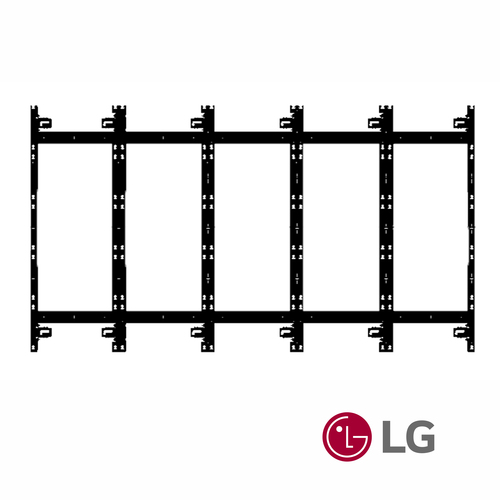
Chief TiLEDTM 5x5 dvLED Wall Mount Kit for LG LSBB 136" with Side Covers
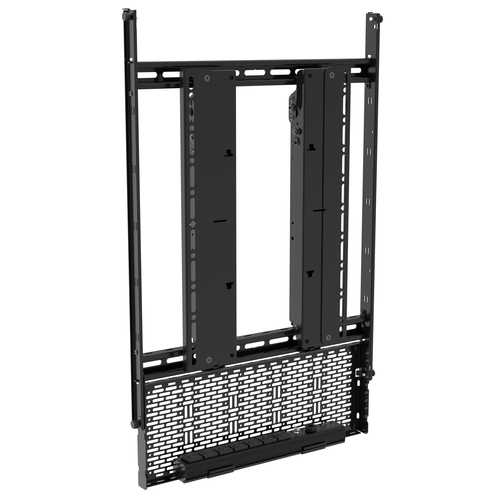
Chief TempoTM Portrait Medium Flat Panel Wall Mount System, PDU Bundle
