
iiyama T1721MSC-B2-REF POS monitor 43.2 cm (17") 1280 x 1024 pixels SXGA Touchscreen
- Display diagonal: 43.2 cm (17")
- Certification: CE, CB, TÜV type, CU, cULus
- Power source type: DC
- Power: 20 W
- AC adapter input voltage: 100 - 240 V
- AC adapter output voltage: 12 V
Where to buy
We're not tracking prices for this product yet. Check current prices directly at:
We may earn a commission when you buy through links on this page — at no extra cost to you. Learn more
Documents
Specifications
Key specifications
- Display diagonalSize of the display for this product, measured diagonally, usually in inches.
- 43.2 cm (17")
- CertificationSpecifies the official standards, safety approvals, or regulatory certifications the product has received.
- CE, CB, TÜV type, CU, cULus
- Power source typeWhat the power source is.
- DC
- PowerEnergy that is produced by mechanical, electrical, or other means and used to operate a device.
- 20 W
- AC adapter input voltageThe range of alternating current voltage that the power supply can safely accept from a wall outlet, measured in volts (e.g., 100-240).
- 100 - 240 V
- AC adapter output voltageThe electrical potential difference supplied by the power adapter to the device, measured in volts (e.g. 19).
- 12 V
- InterfaceInterface ports to connect pieces of equipment. USB (Universal Serial Bus) has become the most popular wired interface to connect peripherals. USB 2.0 supports speeds up to 480 Mbit/s (USB 1: 12 Mbit/s). The interface FireWire is also known as the IEEE 1394 standard. Enhanced IDE (EIDE)is sometimes referred to as Fast ATA, Fast IDE or ATA-2.
- VGA (D-Sub) + HDMI + USB 2.0
- Product colourThe colour e.g. red, blue, green, black, white.
- Black
- Windows operating systems supportedWindows vesions wich can be used with the device.
- Yes
- Mac operating systems supportedMac operating systems e.g. OS X can be used with the device.
- Yes
Show all 33 specificationsShow key specifications only
Display
- Display diagonalSize of the display for this product, measured diagonally, usually in inches.
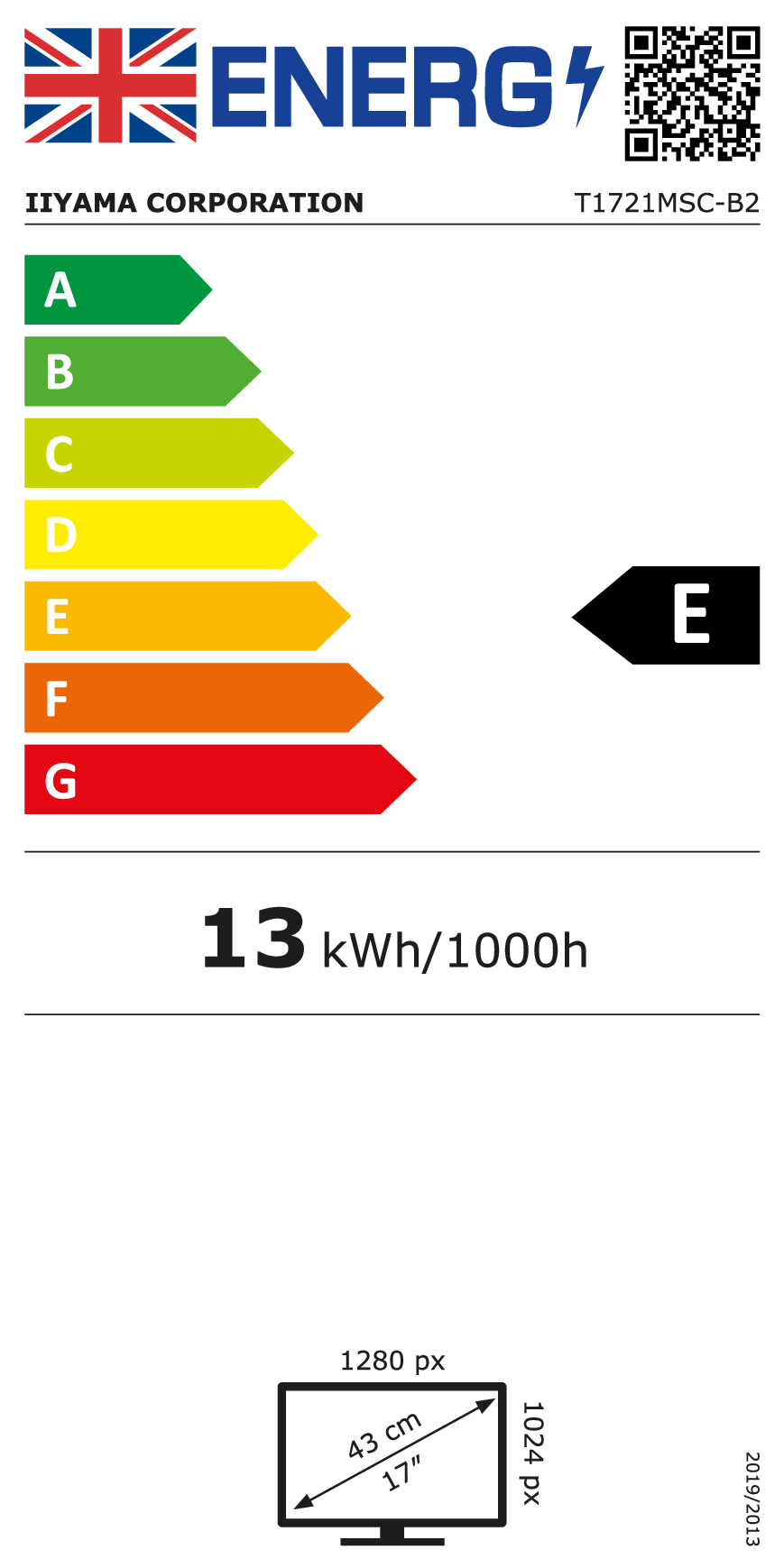
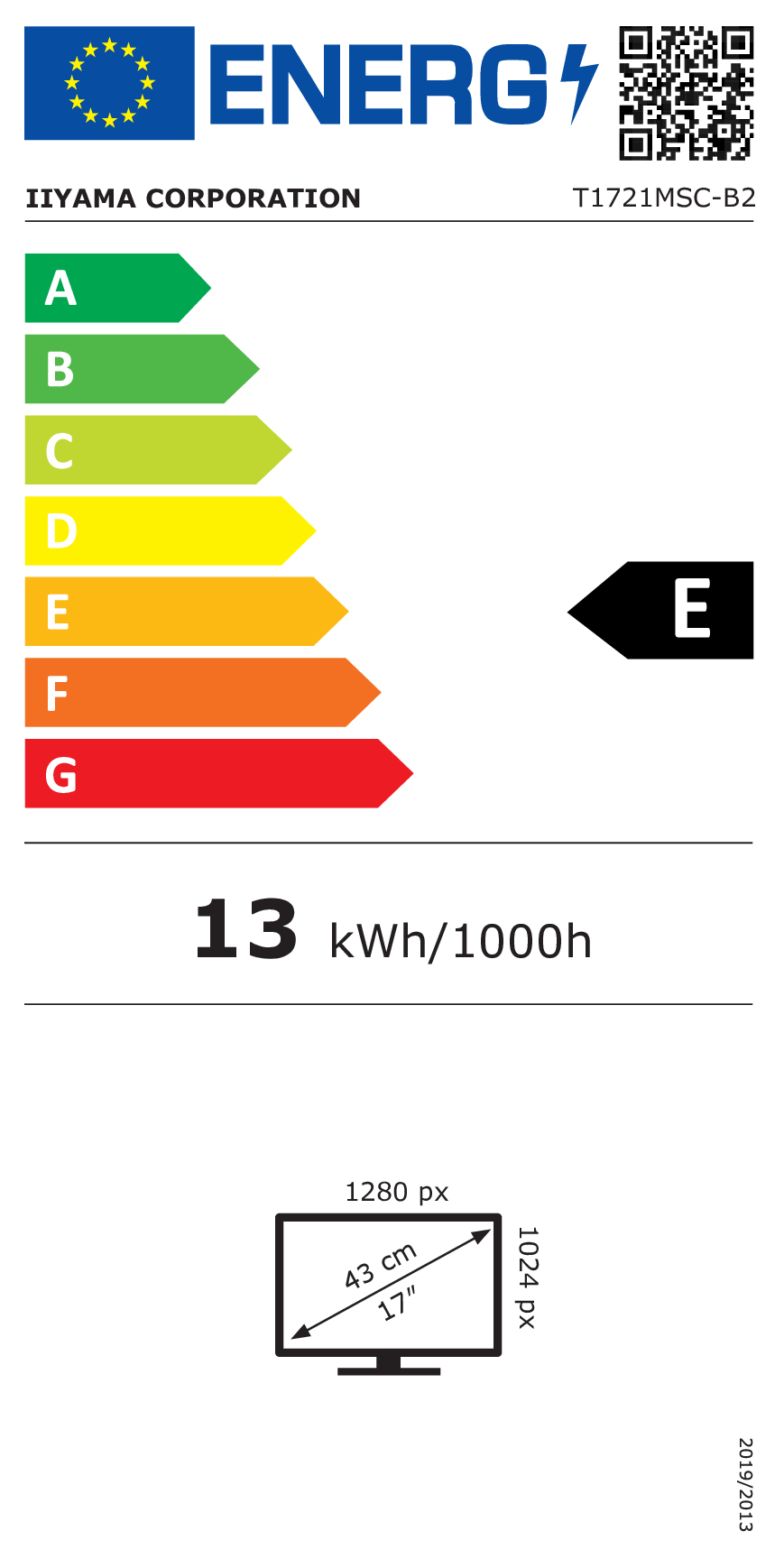
- 43.2 cm (17")
- Display resolutionThe number of distinct pixels in each dimension that can be displayed. It is usually quoted as width × height, with the units in pixels: for example, "1024 × 768" means the width is 1024 pixels and the height is 768 pixels. The higher the number of pixels, the sharper the image.
- 1280 x 1024 pixels
- HD typeType of supported High Definition (e.g. Full HD, 4K Ultra HD).
- SXGA
- Display brightnessBrightness is the amount of radiating light emitted from the screen. The brightness rating is measured in candellas per square meter, commonly known as 'nits'.
- 230 cd/m²
- TouchscreenA screen of a laptop, smartphone, etc., that responds to touch so you can control the interface using your fingers.
- Yes
- Touchscreen typeThere are a variety of touchscreen technologies that have different methods of sensing touch, including resistive and capacitive.
- Capacitive
- Surface hardnessThe resistance of the surface to scratches and abrasion, typically measured on the Mohs or pencil hardness scale (e.g., 9H).
- 7H
- Pixel pitchThis is the parameter of a picture tube, which specifies the shortest distance between two dots of the same colour. The principle is: the smaller the dot pitch, the better sharpness of image.
- 0.264 x 0.264 mm
- Contrast ratio (typical)The difference in light intensity between the brightest white and the darkest black.
- 1000:1
- Response timeThe response time is the time difference between the moment that a source (for example a video card) sends a signal and that equipment (for example a monitor) receives or display the signal. (Used abbreviations: R/F = Rise and Fall.)
- 5 ms
- Viewing angle, horizontalMaximum horizontal angle at which a display can be viewed with acceptable visual performance.
- 170°
- Viewing angle, verticalMaximum vertical angle at which a display can be viewed with acceptable visual performance.
- 160°
- Native aspect ratioThe aspect ratio is the ratio of the width of an image to its height. The native aspect ratio is the one which the projector/display is particularly designed for. Images shown in native aspect ratio will utilize the entire resolution of the display and achieve maximum brightness. Images shown in other than native aspect ratio will always have less resolution and less brightness than images shown…
- 5:4
- Panel typeThe technology used to manufacture the panel, such as AMOLED or AH-IPS.
- TN
Certificates
- CertificationSpecifies the official standards, safety approvals, or regulatory certifications the product has received.
- CE, CB, TÜV type, CU, cULus
Weight & dimensions
- WidthThe measurement or extent of something from side to side.
- 392.5 mm
- DepthThe distance from the front to the back of something.
- 198 mm
- HeightThe measurement of the product from head to foot or from base to top.
- 364 mm
- WeightWeight of the product without packaging (net weight). If possible, the net weight is given including standard accessories and supplies. Please note that sometimes the manufacturer leaves out the weight of accessories and/or supplies.
- 4.4 kg
Power
- Power source typeWhat the power source is.
- DC
- PowerEnergy that is produced by mechanical, electrical, or other means and used to operate a device.
- 20 W
- AC adapter input voltageThe range of alternating current voltage that the power supply can safely accept from a wall outlet, measured in volts (e.g., 100-240).
- 100 - 240 V
- AC adapter output voltageThe electrical potential difference supplied by the power adapter to the device, measured in volts (e.g. 19).
- 12 V
Features
- InterfaceInterface ports to connect pieces of equipment. USB (Universal Serial Bus) has become the most popular wired interface to connect peripherals. USB 2.0 supports speeds up to 480 Mbit/s (USB 1: 12 Mbit/s). The interface FireWire is also known as the IEEE 1394 standard. Enhanced IDE (EIDE)is sometimes referred to as Fast ATA, Fast IDE or ATA-2.
- VGA (D-Sub) + HDMI + USB 2.0
- Windows operating systems supportedWindows vesions wich can be used with the device.
- Yes
Design
- Product colourThe colour e.g. red, blue, green, black, white.
- Black
Software
- Mac operating systems supportedMac operating systems e.g. OS X can be used with the device.
- Yes
- Linux operating systems supported8 RT. Linux (9.4, 9.5), Red Hat Enterprise Linux 5.0 (supported with a pre-built package); SUSE Linux (10.3, 11.0, 11, 11.1, 11.2), Fedora (9, 9.0, 10, 10.0, 11.0, 11, 12, 12.0), Ubuntu (8.04, 8.04.1, 8.04.2, 8.10, 9.04, 9.10, 10.04), Debian (5.0, 5.0.1, 5.0.2, 5.0.3)
- Yes
Other features
- Effective viewing areaThe actual dimensions of the screen surface used to display content on the POS system, typically measured in millimeters.
- 338 x 270.5 mm
Packaging data
- Package widthThe distance from one side of the packaging to the other.
- 537 mm
- Package depthThe distance from the front to the back of the packaging.
- 172 mm
- Package heightThe distance from the top to the bottom of the packaging.
- 500 mm
- Package weightWeight of the packaged product.
- 5.8 kg
Database Right data-sheet 2026 Icecat. All rights reserved. Provided “as is”, without warranty — check details with the store before buying.
Price history (90 days, best daily price)
Price history is still being collected for this product — check back soon.
Alternative models
iiyama T1721MSC-B2-STD POS monitor
43.2 cm (17") 1280 x 1024 pixels SXGA Touchscreen
Specs & where to buy

iiyama T1531SR-B6 POS monitor
38.1 cm (15") 1024 x 768 pixels XGA Touchscreen
Specs & where to buy

iiyama T1721MSC-B1-STD POS monitor
43.2 cm (17") 1280 x 1024 pixels SXGA LED Touchscreen
Specs & where to buy

iiyama T1531SAW-B6 POS monitor
38.1 cm (15") 1024 x 768 pixels XGA Touchscreen
Specs & where to buy

iiyama T2235MSC-B1-STD POS monitor
54.6 cm (21.5") 1920 x 1080 pixels Full HD LED Touchscreen
Specs & where to buy

iiyama T1931SR-B6 POS monitor
48.3 cm (19") 1280 x 1024 pixels SXGA Touchscreen
Specs & where to buy