
ASUS ProArt PA147CDV computer monitor 35.6 cm (14") 1920 x 550 pixels LCD Touchscreen Black
- Screen: 35.6 cm (14"), 1920 x 550 pixels, IPS, Flat
- Refresh rate: 60 Hz, 5 ms response time
- Brightness: 400 cd/m²
- Ports: 1 × HDMI
- Stand: tilt
- Extras: speakers
- Colour: Black
Where to buy
We're not tracking prices for this product yet. Check current prices directly at:
We may earn a commission when you buy through links on this page — at no extra cost to you. Learn more
About this product
ProArt Display PA147CDV Creative Tool
Dial up Your Creative Flow
ProArt Display PA147CDV is a 14-inch creative tool with a 32:9 aspect ratio. Built to empower creators and streamline creative workflows inside the studio or out on location, it features the intuitive ASUS Dial, customizable Control Panel, 10-point multitouch controls, and Microsoft Pen Protocol 2.0 (MPP 2.0) support. PA147CDV is Calman Verified and factory calibrated to Delta E < 2, and it covers 100% of sRGB and Rec. 709 color spaces for exceptional color. Aesthetically, PA147CDV looks the part, too – winning the 2021 Good Design and 2021 Computex d&i Gold awards.
Built for Creators
Streamline Your Workflow
The customizable Control Panel puts the tools and functions you need front and center, allowing you to make adjustments quickly for a more efficient workflow. For easier multitasking, you can even use split-screen mode to show shortcuts for different apps side by side.
Ready for that Creative Spark
With ProArt Display PA147CDV, you’re always ready when an idea comes. Take notes or sketch on the go with a stylus, or hook it up to your laptop with just a single cable.
Natural Writing or Drawing
With MPP 2.0 support, you’re able to use a pen or stylus to jot down or sketch ideas whenever inspiration strikes*.
*ASUS Pen or stylus not included.
Creativity with a Spin
ASUS Dial works with Photoshop, Photoshop Lightroom Classic, Premiere Pro and After Effects Classic for shortcuts access
ASUS Dial is designed to work with compatible Adobe software* such as Photoshop, Photoshop Lightroom Classic, Premiere Pro and After Effects**. Customized shortcuts enable you to zoom in and out of images or adjust brush size by simply turning the ASUS Dial. You can even tailor the default interface to suit your own work style.
Intuitive Control at Your Fingertips
Control Panel provides an intuitive interface that’s unique to each supported Adobe software*. The 10-point multitouch functionality** of PA147CDV means you can quickly reach out and switch tools, turn a dial to get the exact color you’re looking for, or adjust a key parameter for the tool you’re using – it’s all neatly laid out so you can work more efficiently.
Experience Full Color
Wide Color Gamut
Color Accuracy
Wide 100% sRGB and 100% Rec. 709 color gamut offers more vivid colors, ensuring deeper primary colors like red, green and blue, and richer secondary colors.
Pre-Calibrated for
Out-of-the-Box Accuracy
Color professionals rely on color-accurate displays to ensure that their creations render as intended. PA147CDV is pre-calibrated at the factory and Calman Verified to guarantee industry-leading color accuracy. Every ProArt display undergoes meticulous testing to ensure smooth color gradation and to guarantee the very best visuals.
Quick Color Gamut Adjustment
ASUS-exclusive ProArt Preset provides multiple modes for quick color-gamut adjustment. Whether you're grading colors, editing videos or manipulating photos, you can switch and match your needs easily.
Rich Connectivity
PA147CDV offers a host of ports to cater to your creative needs. Two USB-C ports deliver video and power input over a single cable, with additional flexibility offered by the HDMI port for a connection to various input sources.
*Connected device requires USB Type-C (DisplayPort Alt Mode and at least 10W power output.)
Create in Comfort
Built-in Adjustable Kickstand
Caring for Your Eyes
PA147CDV has a multi-award winning design that bagged the 2021 Good Design and Computex d&I Gold awards. Its patented mechanical kickstand lets you adjust the display to the perfect angle. Lay PA147CDV flat on the desk to do some sketching, or tilt it up to an almost-vertical position to track the timeline in your video editing app. Simply set the right tilt angle to suit the task at hand.
Free 3 Months of Adobe Creative Cloud
Get complimentary membership with the purchase of selected ASUS products.* (Up to a $238.47 value)
Documents
- ManualUser manual ↗
- Product information sheetEU Product Fiche ↗
Specifications
Key specifications
- Display diagonalSize of the display for this product, measured diagonally, usually in inches.
- 35.6 cm (14")
- Display resolutionThe number of distinct pixels in each dimension that can be displayed. It is usually quoted as width × height, with the units in pixels: for example, "1024 × 768" means the width is 1024 pixels and the height is 768 pixels. The higher the number of pixels, the sharper the image.
- 1920 x 550 pixels
- Panel typeThe technology used to manufacture the panel, such as AMOLED or AH-IPS.
- IPS
- Screen shapeDescribes the physical curvature of the display panel, such as whether it is flat or curved.
- Flat
- Maximum refresh rateThe highest number of times per second the image is updated, measured in hertz (Hz).
- 60 Hz
- Response timeThe response time is the time difference between the moment that a source (for example a video card) sends a signal and that equipment (for example a monitor) receives or display the signal. (Used abbreviations: R/F = Rise and Fall.)
- 5 ms
- Display brightness (typical)Display brightness, measured by its Luminance, presented as a figure in nits. Typical brightness ratings for monitors range from 250 to 350 nits with a target value of between 80 to 120 nits being suitable for most displays in a normal viewing environment.
- 400 cd/m²
- HDMI ports quantityThe number of sockets (ports) for HDMI connections. HDMI (High-Definition Multimedia Interface) is a compact audio/video interface for transferring uncompressed video data and compressed/uncompressed digital audio data from a HDMI-compliant device ("the source device") to a compatible computer monitor, video projector, digital television, or digital audio device. HDMI is a digital replacement for…
- 1
- Tilt adjustmentThe tilt, which means the angle at which the device is pointing (up or down), can be changed.
- Yes
- Built-in speaker(s)The device contains speaker(s) to produce sound.
- Yes
- Product colourThe colour e.g. red, blue, green, black, white.
- Black
Show all 67 specificationsShow key specifications only
Ports & interfaces
- Built-in USB hubWhether or not the device features a USB hub to connect more than one other device via USB.
- No
- USB Type-C downstream ports quantityThe number of USB Type-C ports available for connecting peripheral devices to the unit.
- 2
- USB Type-C DisplayPort Alternate ModeIndicates whether the USB Type-C port supports the transmission of native DisplayPort video signals to an external display.
- Yes
- HDMIHDMI (High-Definition Multimedia Interface) is a compact audio/video interface for transferring uncompressed video data and compressed/uncompressed digital audio data from a HDMI-compliant device ("the source device") to a compatible computer monitor, video projector, digital television, or digital audio device. HDMI is a digital replacement for existing analog video standards.
- Yes
- HDMI ports quantityThe number of sockets (ports) for HDMI connections. HDMI (High-Definition Multimedia Interface) is a compact audio/video interface for transferring uncompressed video data and compressed/uncompressed digital audio data from a HDMI-compliant device ("the source device") to a compatible computer monitor, video projector, digital television, or digital audio device. HDMI is a digital replacement for…
- 1
- HDMI versionThe specific release version of the High-Definition Multimedia Interface standard supported by the device (e.g. 1.3 or 2.0).
- 1.4
- Headphone outThe socket for connecting headphones to the device.
- No
- HDCPHigh-bandwidth Digital Content Protection (HDCP) is a form of digital copy protection to prevent copying of digital audio and video content as it travels across connections.
- Yes
- HDCP versionThe version of the High-bandwidth Digital Content Protection standard supported by the device to prevent the unauthorized copying of digital audio and video content (e.g. 2.2).
- 1.4
Design
- Market positioningUnder which category can the device be positioned in the market, e.g. camera phone.
- Graphics design
- Product colourThe colour e.g. red, blue, green, black, white.
- Black
Audio
- Built-in speaker(s)The device contains speaker(s) to produce sound.
- Yes
- Number of speakersThe quantity of speakers included in/with the product.
- 2
- RMS rated powerRMS (Root mean square) is a measure of the continuous power required by a device, in particular audio amplifiers and loudspeakers.
- 2 W
Multimedia
- Built-in cameraThe product has an integrated camera.
- No
Display
- Display diagonalSize of the display for this product, measured diagonally, usually in inches.
- 35.6 cm (14")
- Display resolutionThe number of distinct pixels in each dimension that can be displayed. It is usually quoted as width × height, with the units in pixels: for example, "1024 × 768" means the width is 1024 pixels and the height is 768 pixels. The higher the number of pixels, the sharper the image.
- 1920 x 550 pixels
- Native aspect ratioThe aspect ratio is the ratio of the width of an image to its height. The native aspect ratio is the one which the projector/display is particularly designed for. Images shown in native aspect ratio will utilize the entire resolution of the display and achieve maximum brightness. Images shown in other than native aspect ratio will always have less resolution and less brightness than images shown…
- 32:9
- Display technologyThe technology used in the display e.g. plasma, LED.
- LCD
- TouchscreenA screen of a laptop, smartphone, etc., that responds to touch so you can control the interface using your fingers.
- Yes
- Native refresh rateThe number of times per second the hardware updates, measured in hertz (Hz).
- 60 Hz
- Panel typeThe technology used to manufacture the panel, such as AMOLED or AH-IPS.
- IPS
- Backlight typeThe technology used to illuminate the display panel, such as CCFL or various LED configurations (e.g., Edge LED, Full-Array).
- LED
- Display brightness (typical)Display brightness, measured by its Luminance, presented as a figure in nits. Typical brightness ratings for monitors range from 250 to 350 nits with a target value of between 80 to 120 nits being suitable for most displays in a normal viewing environment.
- 400 cd/m²
- Response timeThe response time is the time difference between the moment that a source (for example a video card) sends a signal and that equipment (for example a monitor) receives or display the signal. (Used abbreviations: R/F = Rise and Fall.)
- 5 ms
- Display surfaceThe finish of the screen's outer layer, which determines how light reflects off the surface (e.g. Glossy, Matte, or Anti-glare).
- Matt
- Anti-glare screenAlways gives an optimal view, even in direct sunlight.
- Yes
- Screen shapeDescribes the physical curvature of the display panel, such as whether it is flat or curved.
- Flat
- Contrast ratio (typical)The difference in light intensity between the brightest white and the darkest black.
- 1200:1
- Maximum refresh rateThe highest number of times per second the image is updated, measured in hertz (Hz).
- 60 Hz
- Viewing angle, horizontalMaximum horizontal angle at which a display can be viewed with acceptable visual performance.
- 178°
- Viewing angle, verticalMaximum vertical angle at which a display can be viewed with acceptable visual performance.
- 178°
- Display number of coloursThe total number of distinct colours that the device is capable of displaying (e.g. 1.07 billion colours).
- 16.7 million colours
- Pixel pitchThis is the parameter of a picture tube, which specifies the shortest distance between two dots of the same colour. The principle is: the smaller the dot pitch, the better sharpness of image.
- 0.179 x 0.179 mm
- Pixel densityThe number of individual pixels displayed per inch of linear screen space, measured in pixels per inch (ppi).
- 143 ppi
- Viewable size, horizontalThe viewable size is often somewhat smaller than the actual size of a monitor, because there is a border around the image.
- 34.4 cm
- Viewable size, verticalThe height of the screen area that can actually display an image, measured in millimetres or inches.
- 9.86 cm
- Digital horizontal frequencyThe range of horizontal scanning frequencies the device can support, measured in kHz.
- 24 - 83 kHz
- Digital vertical frequencyThe range of refresh rates the device can support when operating in digital mode, measured in Hertz (Hz).
- 23 - 60 Hz
- Colour gamut standardThe specific color space standard the device is designed to reproduce, such as Adobe RGB or DCI-P3.
- DCI-P3
- sRGB coverage (typical)The percentage of the sRGB color space that the device is capable of reproducing.
- 100%
Weight & dimensions
- Width (with stand)The total horizontal measurement of the product when the supporting stand is attached, measured in millimetres.
- 357.2 mm
- Depth (with stand)The measurement of the product from front to back when any supporting accessory or base is attached, expressed in millimetres or centimetres.
- 20.7 mm
- Height (with stand)The total vertical measurement of the product including its base or support structure, expressed in millimetres or centimetres.
- 127.7 mm
- Weight (with stand)The total mass of the unit including its supporting base, measured in kilograms or grams.
- 950 g
Power
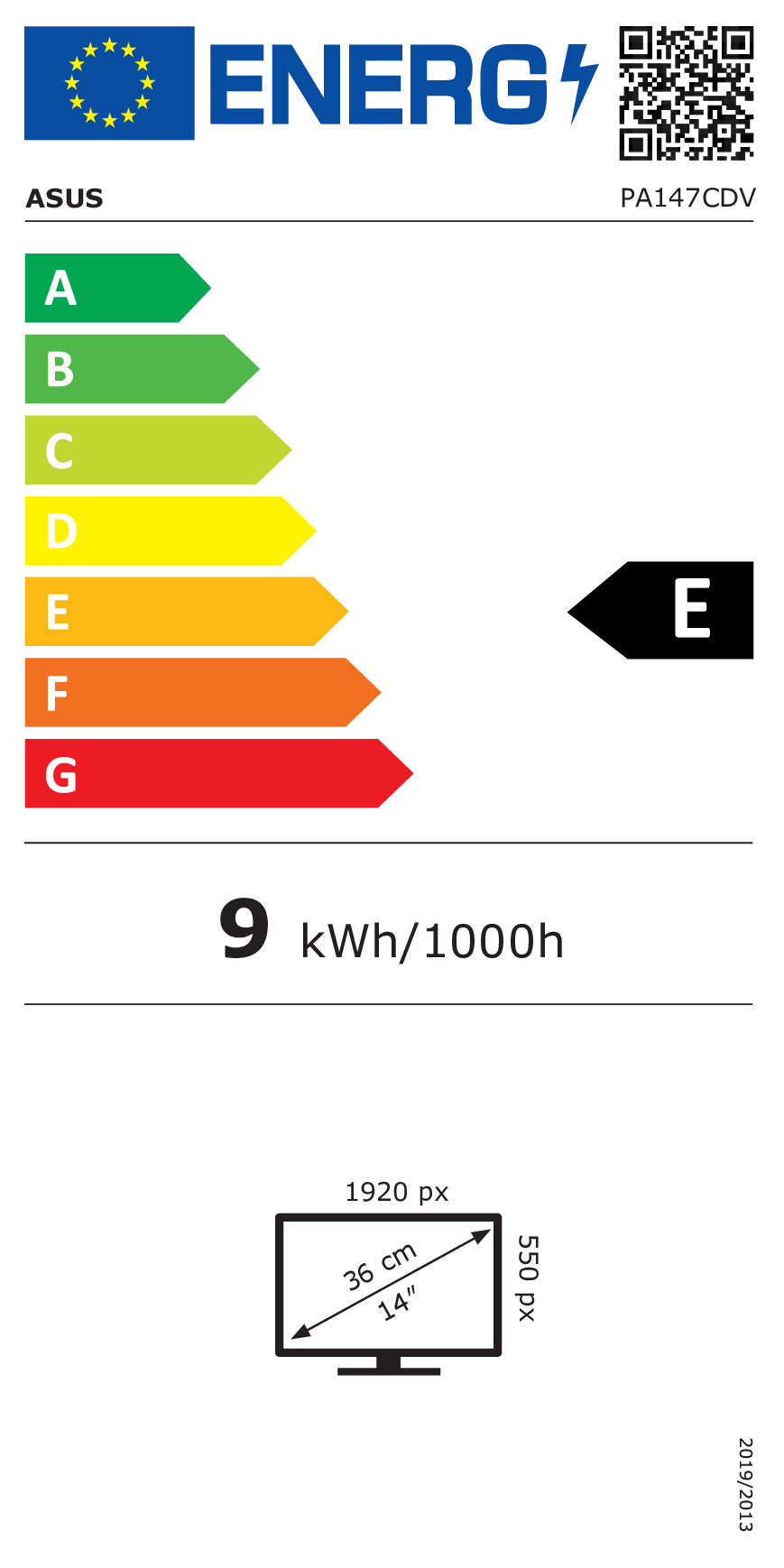
- Energy efficiency class (SDR)The energy efficiency rating of the device when operating in Standard Dynamic Range (SDR) mode, categorized from A to G.
- E
- Energy efficiency class (HDR)The energy efficiency rating of the device when High Dynamic Range (HDR) mode is active, ranging from A to G.
- Not available
- Energy consumption (SDR) per 1000 hoursThe amount of electric energy consumed by the device during standard dynamic range (SDR) operation over a period of 1000 hours, measured in kilowatt-hours (kWh).
- 9 kWh
- Power consumption (typical)Amount of power consumed by this model, often expressed in watts (W). Typical values that manufacturers give are power consumption when off, standby/suspended mode, typical use, maximum usage.
- 10 W
- Power consumption (standby)The amount of electricity that is consumed when the product is on standby.
- 0.5 W
- Power consumption (off)The amount of electrical energy consumed by the device when it is switched off, measured in watts.
- 0.3 W
- Power consumption (PowerSave)The amount of electrical energy consumed by the device when it is operating in a power-saving mode, measured in Watts.
- 0.5 W
- AC input voltageThe voltage of the AC electricity that is inputted into the product.
- 100 - 240 V
- AC input frequencyThe range of alternating current frequencies the device can accept from the power source, measured in hertz (e.g., 45 - 65).
- 50 - 60 Hz
- Power supply typeThe type of power supply which this product uses.
- External
- Energy efficiency scaleThe range of energy efficiency classes used to rate the product's power consumption, such as A to G.
- A to G
Ergonomics
- PivotIndicates whether the device can be rotated 90 degrees to switch between landscape and portrait orientation.
- Yes
- Pivot angleThe range of motion available for rotating the unit around its vertical axis, typically measured in degrees.
- 0 - 90°
- Tilt adjustmentThe tilt, which means the angle at which the device is pointing (up or down), can be changed.
- Yes
- Tilt angle rangeThe minimum and maximum angles at which the unit can be tilted, typically expressed in degrees.
- 25 - 70°
Performance
- Flicker-free technologyIndicates whether the device employs technology to reduce or eliminate screen flickering to decrease eye strain during prolonged use.
- Yes
- Low Blue Light technologyIndicates whether the product features technology designed to reduce the amount of harmful short-wave blue light emitted by the screen to decrease eye strain.
- Yes
Packaging data
- Package widthThe distance from one side of the packaging to the other.
- 440 mm
- Package depthThe distance from the front to the back of the packaging.
- 92 mm
- Package heightThe distance from the top to the bottom of the packaging.
- 290 mm
- Package weightWeight of the packaged product.
- 2.3 kg
- Package typeThe type of product package e.g. box.
- Box
Database Right data-sheet 2026 Icecat. All rights reserved. Provided “as is”, without warranty — check details with the store before buying.
Price history (90 days, best daily price)
Price history is still being collected for this product — check back soon.
Alternative models

ASUS VA27ECPSN
computer monitor 68.6 cm (27") 1920 x 1080 pixels Full HD LED Black
ASUS MONITOR VZ24EHE 23,8" FULL HD LED NEGRO
computer monitor

ASUS VA24EQSB-W
computer monitor 60.5 cm (23.8") 1920 x 1080 pixels Full HD LED White

ASUS VB178N
computer monitor 43.2 cm (17") 1280 x 1024 pixels SXGA Black

ASUS TUF Gaming VG328H1B
computer monitor 80 cm (31.5") 1920 x 1080 pixels Full HD LED Black

ASUS VZ239HE-W
computer monitor 58.4 cm (23") 1920 x 1080 pixels Full HD LED White